
Inhale Studio Help
Inhale Studio helps you create and run guided breathing sessions with your own pacing, visuals, and music.
What you can do
- Create multiple breathing videos
- Edit timing, visuals, colors, and music for each video
- Duplicate or delete videos
- Switch the app language between English and Hebrew
- Share the video parameters (using built in assets only)
Home screen
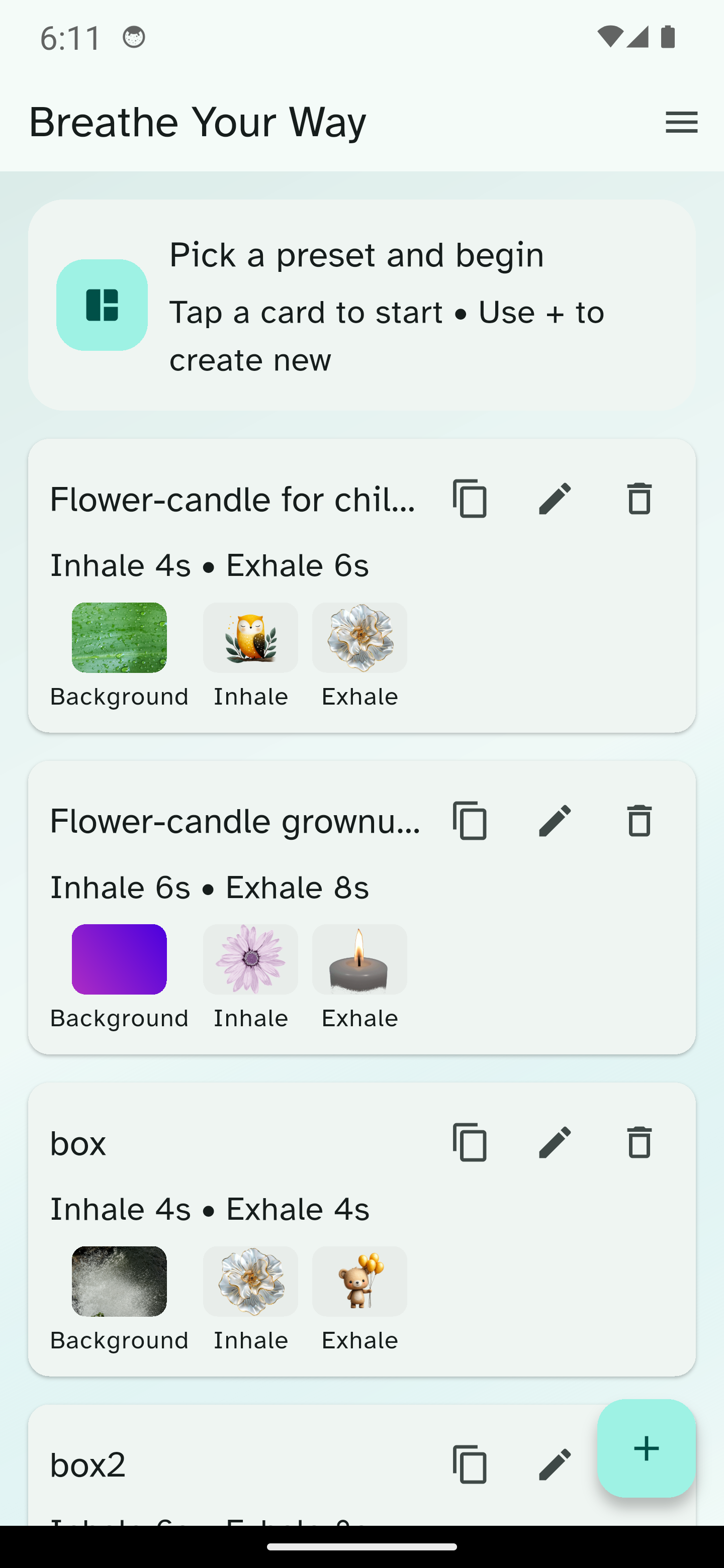
The home screen shows your saved videos.
For each video you can:
- Tap the card to start the session
- Edit the video
- Duplicate the video
- Delete the video
- Share the parameters
Use the + button to create a new video.
Menu
From the menu, you can open:
- Language — switch between English and Hebrew
- About — app info, contact, support, and licenses
- Credits — music and image creator credits
Session settings
Each video can be customized by pressing the Edit button.
Session
- Session name
Breathing timing
- Intro duration
- Inhale duration
- Hold after inhale duration
- Exhale duration
- Hold after exhale duration
- Number of cycles
Current limits:
- Inhale, exhale, and hold durations: up to 120 seconds
- Cycles: up to 60
If a value is invalid, the page shows an error and scrolls to the relevant field when you press Save and Start.
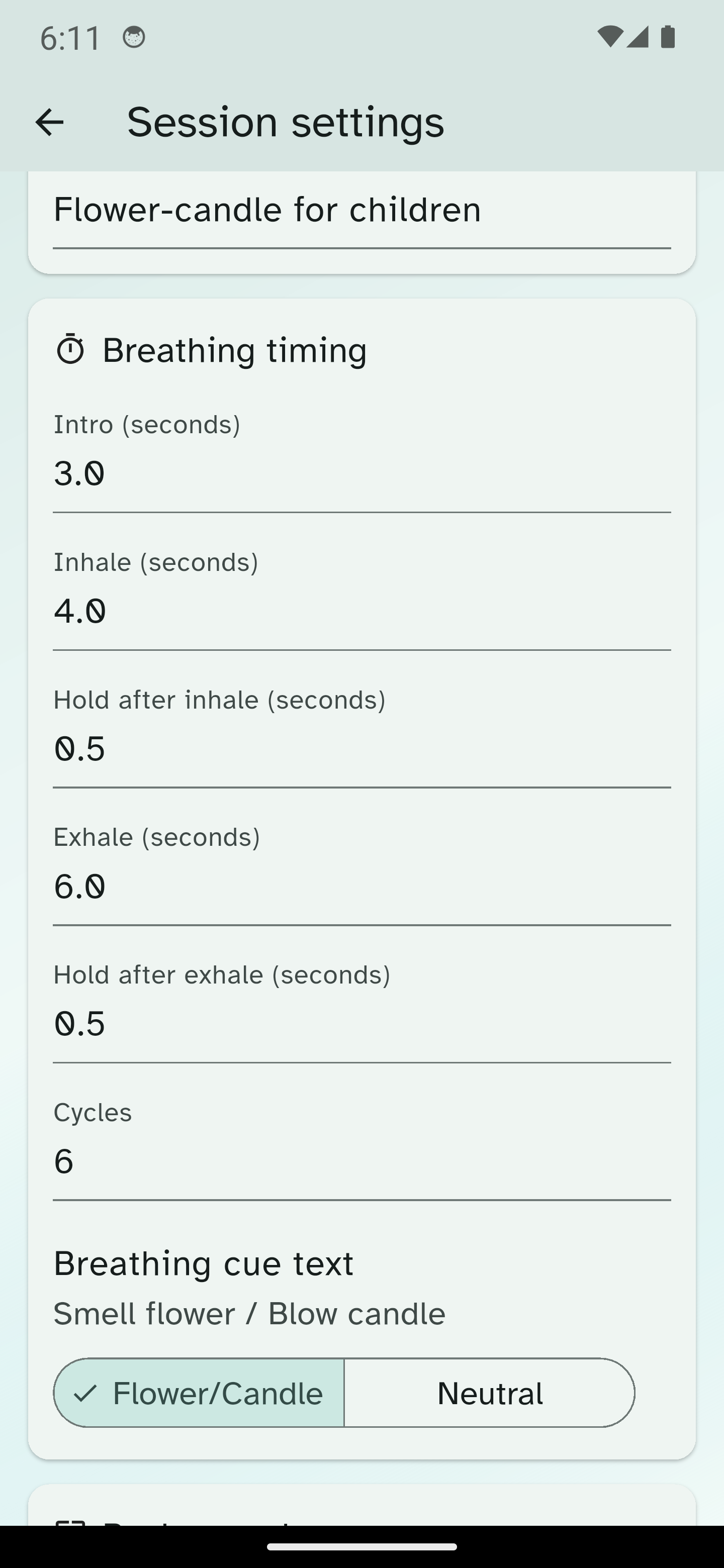
Breathing cue style
Choose how the breathing instructions are shown:
- Flower/Candle: will show “smell the flower”/”blow out the candle”
- Neutral: Whill show “Inhale” and “Exhale”
Background
You can use:
- A gradient background color pair
- A background image from the built-in library
- Your own uploaded background image
Background images can be displayed in:
- Fit mode - preserve original aspect ratio, centered
- Stretch mode - stretches to fill the background
Breathing visuals
You can choose separate inhale and exhale images.
Options include:
- Built-in image library
- Your own uploaded PNG or GIF files
Music
You can add optional background music using:
- The built-in music library
- Your own audio file
Supported uploaded formats:
- MP3
- WAV
- M4A
- AAC
- OGG
You can also adjust the playback volume.
Running a session
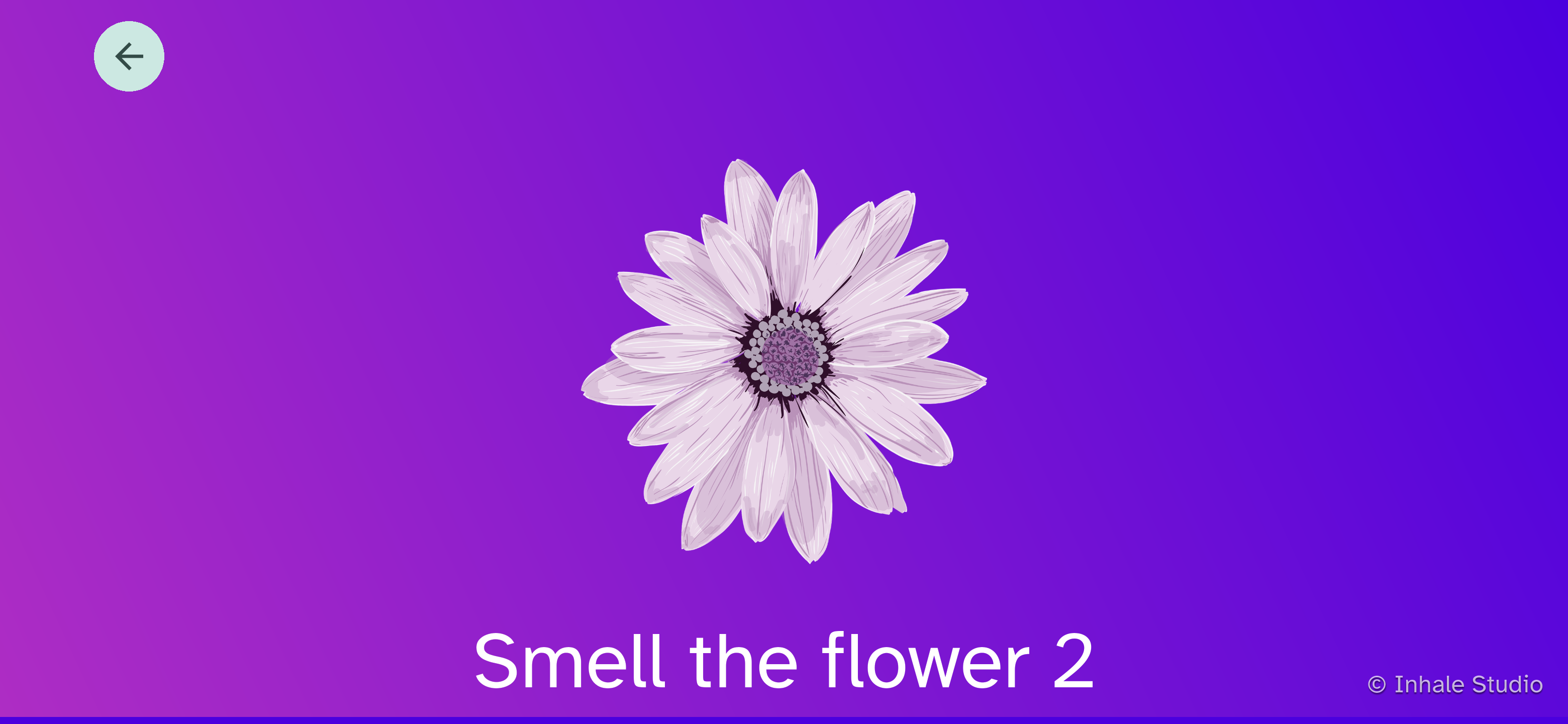
When a session starts, the app shows:
- An intro message
- The breathing animation
- Cue text for inhale, exhale, and hold
- A countdown timer
- A progress bar for session progress
You can stop the session at any time using the back button.
Language switching
The app supports:
- English
- Hebrew
Use the Language option in the menu to switch instantly. Your choice is remembered for the next time you open the app.
About and Credits
About
The About page includes:
- App version
- Contact link
- Support link
- Open-source license information
Credits
The Credits page lists included music and image creators. Where available, each creator has a link to their Pixabay creator page.
Tips
- Create a few videos for different situations, such as calming down, focusing, or bedtime.
- Use shorter sessions for children or quick reset breaks.
- Use neutral cues if you prefer simpler breathing language.
- Add your own images and music to create a more personal experience.
Troubleshooting
- If Save and Start does not continue, check the highlighted field and scroll target for validation errors.
- If an image preview is unavailable, the file may be missing or unsupported.
- If music does not load, confirm the file format is supported.
- If a creator link does not open, try again later or open it in a browser manually.